As an Amazon Associate this site earns from qualifying purchases.
At-a-glance decision table
| Product | Key Spec / Format | Standout Feature | Build & Details | View Listing |
|---|---|---|---|---|
| Compare variant format on listing | Listing states: Enclosed Design | Published brand: Bambu Lab | Check on Amazon | |
| Listing states: Real-Time App Monitoring | Listing states: Smart and Efficient Design | Listing states: Superior Print Quality & Adaptability | Check on Amazon | |
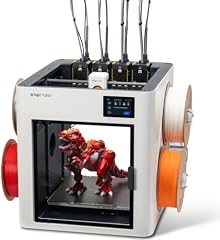
| Confirm exact model variant | Published brand: Snapmaker | Check manufacturer fit details | Check on Amazon | |
| Listing states: Smoother, Sharper, Smarter | Listing states: Start Printing with Confidence | Listing states: Designed for Speed | Check on Amazon | |
| Listing states: Multi-Material and Multi-Color Capability | Listing states: Build for Speed and Full-Color Printing | Listing states: Seamless Printing, Precise Control | Check on Amazon |
Quick answer: Choose an enclosed printer around your first filament, available workspace, and willingness to troubleshoot—not appearance alone. Check ventilation requirements before treating an enclosure as suitable for a shared room. Compare the options in the table, then check the current listing for price and availability.
- Up to 16 Colors: Bring your designs to life with vibrant multi-color/multi-material printing capabilities, perfect for showcasing your creativity. Note: Connecting Bambu Lab AMS
- 500mm/s and 20000 mm/s² Acceleration True High Speed: Don't wait around for your masterpieces. Lightning-fast printing speed lets you focus on creating, not waiting
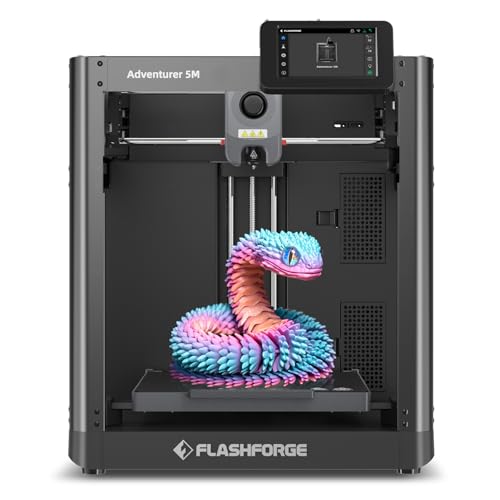
- One-Click Automatic Printing: Experience hassle-free 3D printing with the Adventurer 5M Series. Enjoy automatic bed leveling for flawless first layers, ensuring consistent
- 12X Ultra Fast Printing: Featuring a CoreXY structure with 600mm/s travel speed and 20000mm/s² acceleration, the AD5M maximizes efficiency, reduces production cycles, and ensures
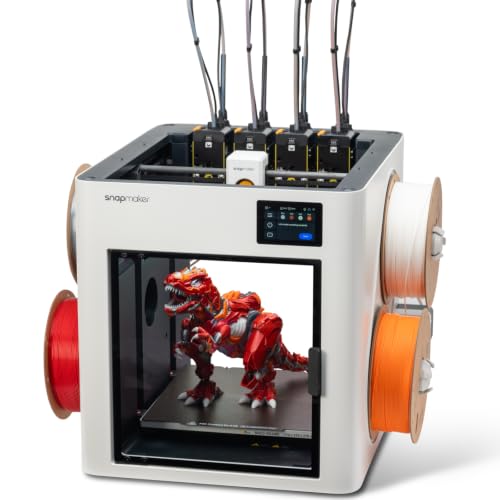
- 【4-Toolhead System with 5-Second Tool Changer】 Powered by the SnapSwap system, Snapmaker U1 multi-color 3D printer features four independent toolheads with filaments preloaded and
- 【5X Faster Printing, 5X Less Waste】 Unlike traditional filament-changing systems, Snapmaker U1 3D printer swaps toolheads instead of repeatedly loading, unloading, and purging
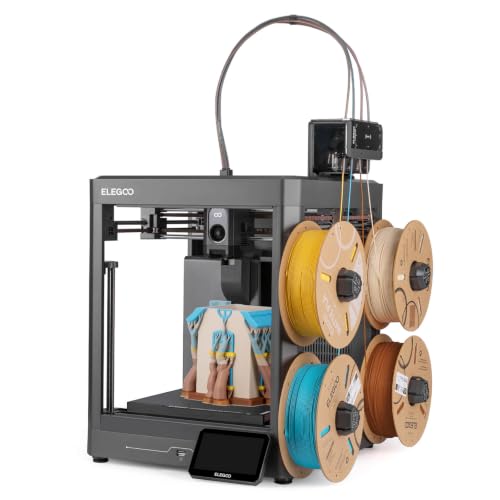
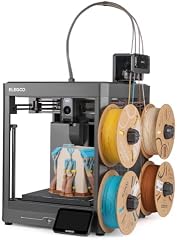
- 4-Color Printing with CANVAS: Create vibrant multi-color models effortlessly with CANVAS 4-color printing. Independent motors, instant color switching, RFID filament recognition
- Start Printing with Confidence: Full auto calibration and smart pre-print checks simplify setup, while 22 intelligent sensors monitor every print in real time. From first layer to
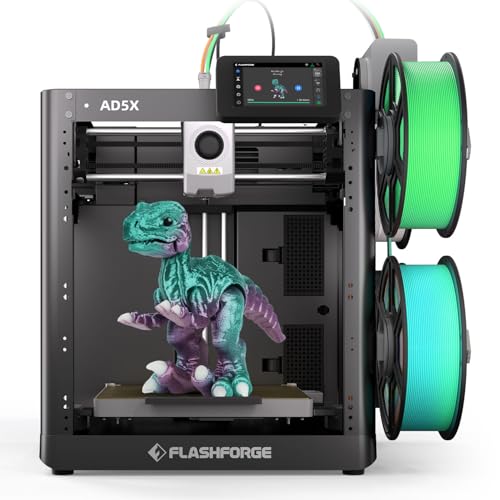
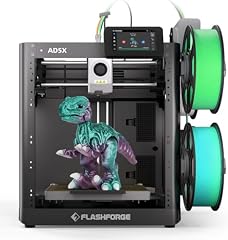
- Build for Speed and Full-Color Printing: Bring your creative vision to life with vibrant and multicolored 3D prints in 4-colors. With speed of up to 600mm/s and acceleration up to
- Seamless Printing, Precise Control: Full auto leveling sensor measures multiple points on the print bed to ensure consistent distance between nozzle and bed. As well as ensuring
Explore the enclosed options
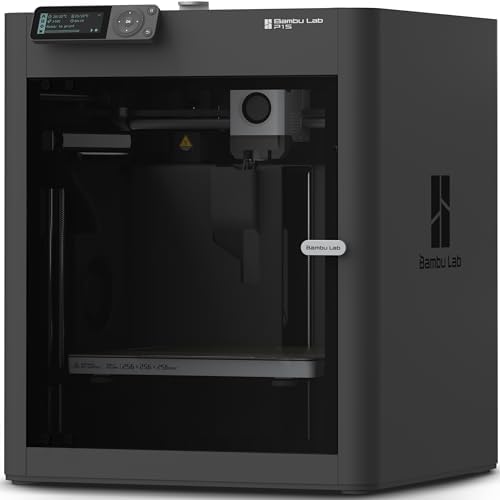
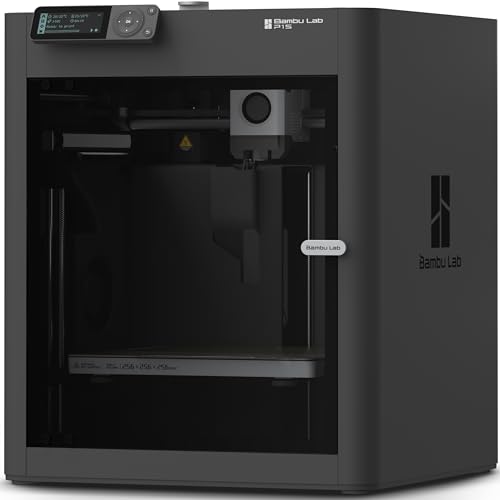
Bambu Lab P1S 3D Printer
Published listing overview:
According to the Amazon listing, the product title is published as Bambu Lab P1S 3D Printer, Ready-to-Use FDM 3D Printer | Beginner-Friendly Ecosystem with MakerWorld Model Library, Enclosed CoreXY, High Speed & Precision Printing.
Check the exact variant's listing for the details that matter to your intended use; treat omitted details as unknown.
Choose another option if the listing does not establish your most important requirement.
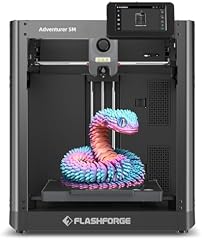
FLASHFORGE Adventurer 5M 3D Printer, All-Metal CoreXY, 600mm/s Max Travel | Beginner-Friendly, One-Click Auto Leveling, 280°C Direct Drive Extruder, 3-Second Nozzle Swap, 220x220x220mm Build Volume
Published listing overview:
According to the Amazon listing, the product title is published as FLASHFORGE Adventurer 5M 3D Printer, All-Metal CoreXY, 600mm/s Max Travel | Beginner-Friendly, One-Click Auto Leveling, 280°C Direct Drive Extruder, 3-Second Nozzle Swap, 220x220x220mm Build Volume.
Compare the listed variant and included items with your requirements before ordering.
Consider an alternative when its verified details match your priorities more closely.
Snapmaker U1 3D Printer
Published listing overview:
According to the Amazon listing, the product title is published as Snapmaker U1 3D Printer,4-Toolhead with 5s Toolchanger,Multi-Color Printing | 5X Fast Printing,Minimal Purge,Multi-Material Printing,Smart Calibration,Model Library,Beginner Friendly,Auto Filament System.
Verify compatibility and any ongoing requirements with the manufacturer for this exact option.
Compare another listing if this one leaves a decision-critical question unanswered.
ELEGOO Centauri 2 Combo 3D Printer
Published listing overview:
According to the Amazon listing, the product title is published as ELEGOO Centauri 2 Combo 3D Printer, Beginner-Friendly Multicolor Printing | 500mm/s High-Speed CoreXY Printer, 4-Color Printing, Auto Leveling, 350°C Nozzle, Nexprint Model Hub, Remote Control with APP.
Review the published directions, care needs, and limitations for the precise version shown.
Choose a different option if the exact variant or included items do not fit your needs.
ELEGOO Centauri 2 Combo 3D Printer
FLASHFORGE AD5X Multi-Material 3D Printer 4-Color Printing
Published listing overview:
According to the Amazon listing, the product title is published as FLASHFORGE AD5X Multi-Material 3D Printer 4-Color Printing, 600mm/s Speed 1-Click Print with DIY IFS Creations, Full-Auto Calibration & Filament Backup, AD5X- Multi-Color Productivity Booster.
Confirm that the features you rely on are stated for this exact variant.
Look elsewhere if you need clearer evidence for a requirement this listing does not address.
FLASHFORGE AD5X Multi-Material 3D Printer 4-Color Printing
What matters for your first enclosed printer
Start with filament and airflow
Choose your starting filament before paying for ambitions you may never pursue. Check whether its printing instructions call for an open door, additional ventilation, or controlled chamber conditions. Verify any filtration claims, including what contaminants are addressed and when filters need replacement; do not treat a closed door as proof of clean air.
Plan the workspace, not just the footprint
Check clearance for door movement, spool changes, lid access, and removing finished prints. Confirm where exhaust would go before choosing a bedroom or shared office. Ask about operating noise during calibration as well as printing, particularly if the workspace doubles as a study area.
Prioritize recovery over speed claims
Look for clear instructions covering first-layer problems, bed cleaning, filament loading, and nozzle blockages. Compare routine maintenance steps and replacement-part availability before focusing on advertised speed. Check slicer support, connection requirements, and whether everyday printing depends on an account or internet access.
Budget for learning
Plan for unsuccessful prints rather than spending everything on the initial purchase. Check the expense and availability of filament, replacement nozzles, build surfaces, and any consumable filters. Choose a modest first project with a clear purpose; learning a single workflow is more useful than changing several settings after every failure.
Video guidance for beginners
This independent walkthrough was selected for its relevance to the topic; it may show a different model than those compared here and does not document testing by this site. The manufacturer's instructions for your exact variant take priority over any video.

Watch the Choosing The Perfect 3d Printer Filament For Beginners: Simple Tips on YouTube
Look for demonstrations that show preparation, first-layer inspection, print removal, and cleanup—not just a finished object. Check whether the filament and enclosure setup match your intended workflow.
Sources for further checks
Government guidance explains the general safety, efficiency, and consumer-protection questions behind this purchase; it does not certify or endorse any listing compared here.
Confirm any certification claim against the certifying organization's own records.Consult the linked safety guidance before deciding where to print. Verify setup instructions against the current manual and the filament supplier’s guidance.
Questions to answer before ordering
Does an enclosure remove the need for ventilation?
Verify emissions and ventilation guidance separately from enclosure claims. Ask about filtration limitations rather than assuming that odor control establishes safe air quality.
What should I print first?
Choose a small, uncomplicated object with a clear orientation and minimal support requirements. Keep notes so each adjustment answers a specific question.
What should I check in buyer reviews?
Check recent reviews for detailed accounts of setup, troubleshooting, support, and returns. Treat individual reports as questions to investigate, not guarantees.